NASH INC DIGITAL PRODUCTS

Technology you can take anywhere.

Explore the apps we create to make communication simpler and everyday tasks easier. Discover features, browse previews and find available downloads.

Mobile-first experiences Designed with purpose
SCROLL TO DISCOVER
OUR APPLICATIONS

Meet the apps.

Two different experiences, created with the same focus on usability and practical value.

MESSAGING · GROUPS · RIDES · SHOPS

NIT Chat

One app. More ways to connect, share and get things done.

NIT Chat is a connected digital platform for everyday life. Chat privately, collaborate in groups, share Status updates, make voice and video calls, request or provide rides, and discover or sell products in Shops. Switch between being a customer and a seller—or a rider and a driver—within one app.

Personal & group chats Voice & video calling Status updates Marketplace Ride services Privacy controls
EXPLORE WHAT NIT CHAT OFFERSEXPLORE BELOW
Messaging & conversationsPersonal chats, rich media and useful controls
Send one-to-one messages and share photos, videos, documents, voice notes and other attachments. Reply, forward, edit, delete, react to, star and pin messages. Find conversations with chat search, unread counts, typing indicators, read indicators and online presence. Discover contacts already using NIT Chat and keep composing when temporarily offline.
Groups & communitiesBring people together in shared conversations
Create and manage groups with members, roles and group settings. Collaborate through polls, Common Ground discussions and Scrum Boards; coordinate through group voice and video calls; and share files, messages and media with everyone in the group. Explore the detailed group feature guide below.
Calls, media & momentsSpeak, share and express yourself
Connect through voice and video calling, play voice messages, and share photos and videos. Post disappearing Status updates using images, text, captions, emojis and styled backgrounds. Control who can view your Status, respond with reactions or replies, see viewers and revisit expired updates in your private archive.
Marketplace & product sharingDiscover, sell and share products
Open a Shop as a customer to browse and view products, or become a seller to showcase items. Share a product directly with another user or post it to Status. When someone taps the product link in a chat or Status, NIT Chat opens the linked product in Shops. See the customer and seller journeys below.
Rides & locationPractical mobility tools
Choose to use Rides as a rider, a driver, or both. Riders can request transport and follow the journey from booking to completion. Drivers can receive ride requests and manage the trip from acceptance through drop-off. See both step-by-step journeys below.
Personalisation, access & securityA messaging experience that fits you
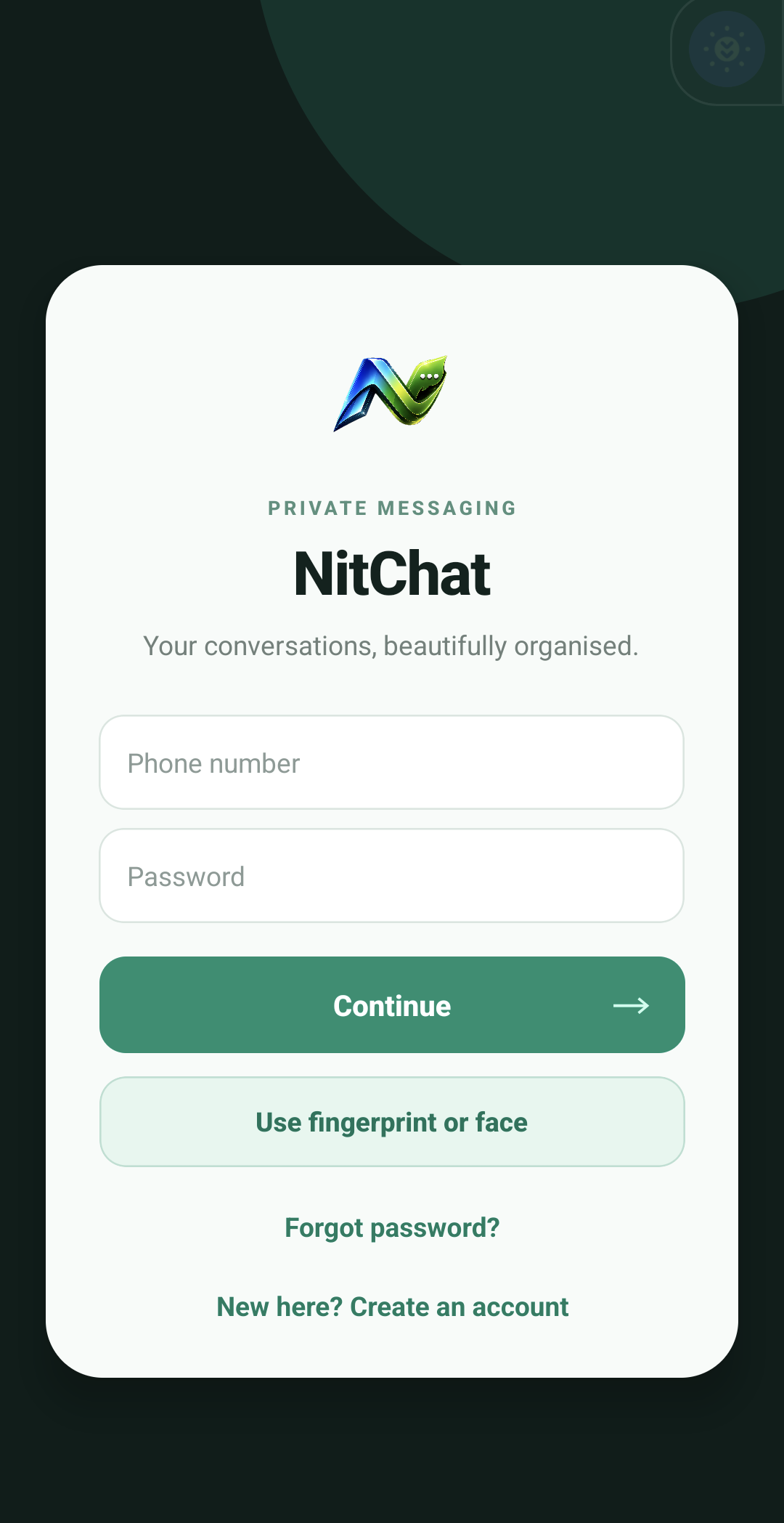
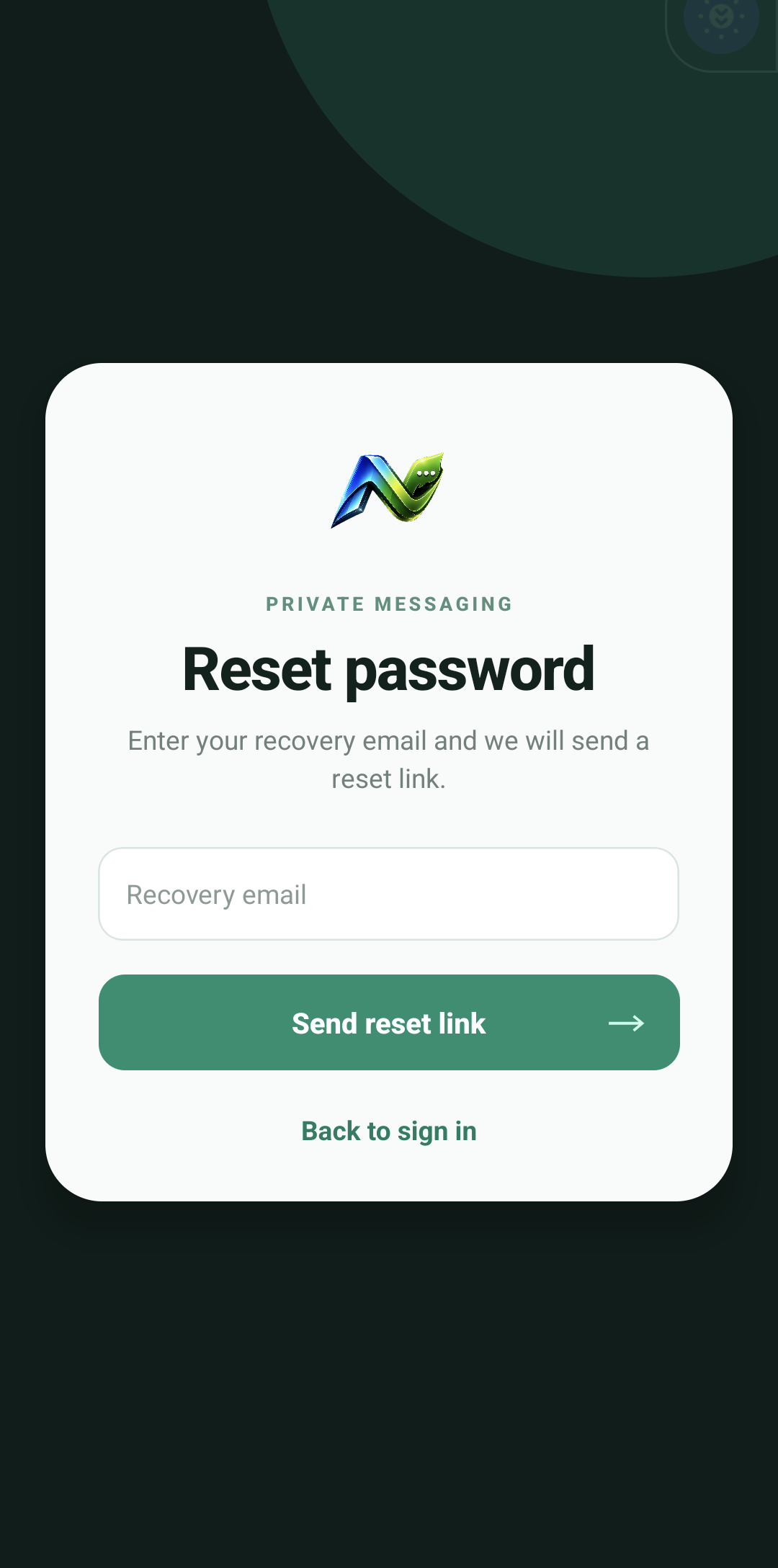
Choose light or dark mode, manage privacy options, receive push notifications and use secure account sign-in and password recovery. Supported devices can offer biometric sign-in. NIT Chat also includes account and contact-management tools to help you stay in control of your experience.
NIT Chat is actively evolving. Feature availability may vary by platform, app version and testing access.
Access Android testing Google Play testing access may be required. An iOS download link will be added when available.
APP PREVIEW 01 / 03
NIT Chat sign-in screen
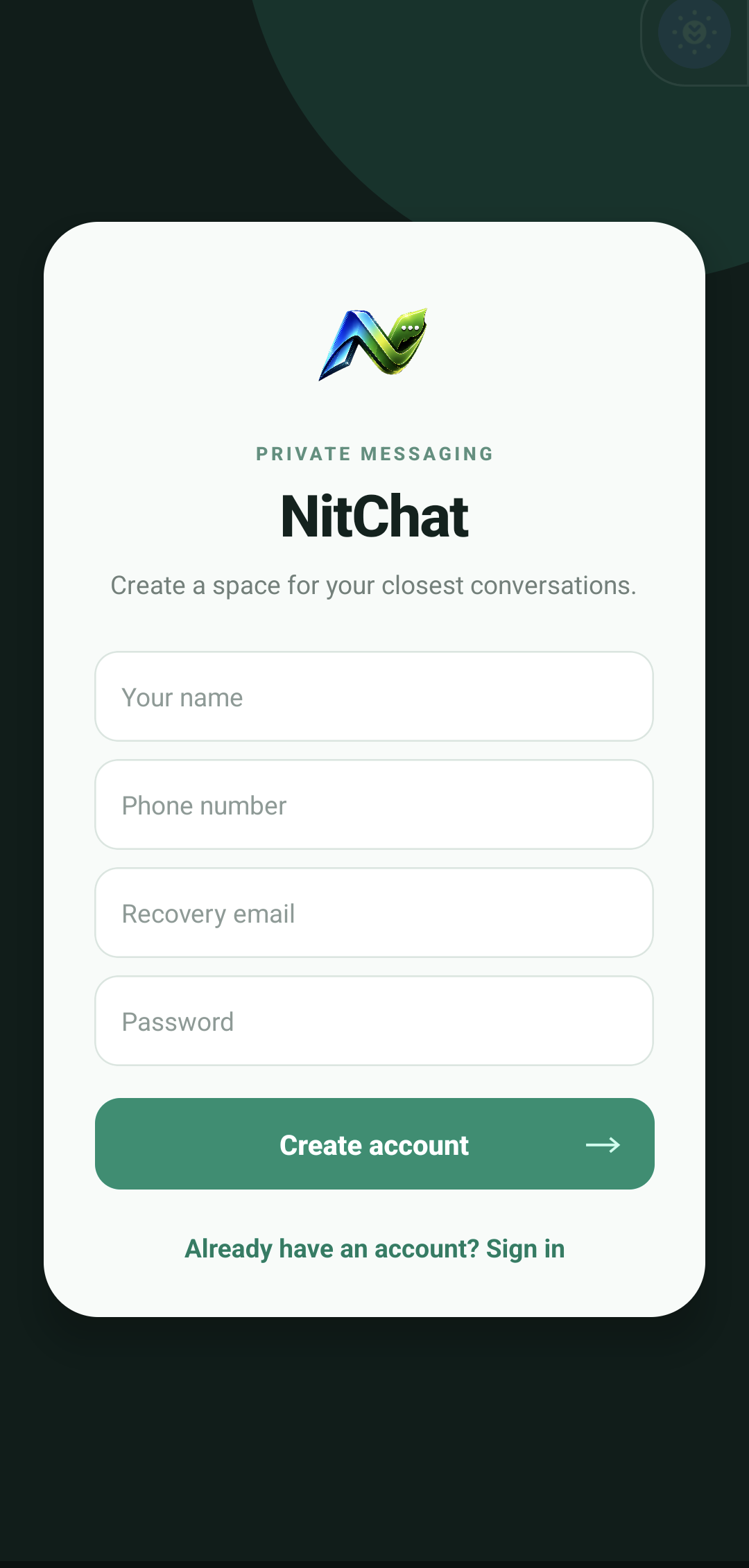
NIT Chat registration screen
NIT Chat password recovery screen
LANGUAGE & LEARNING

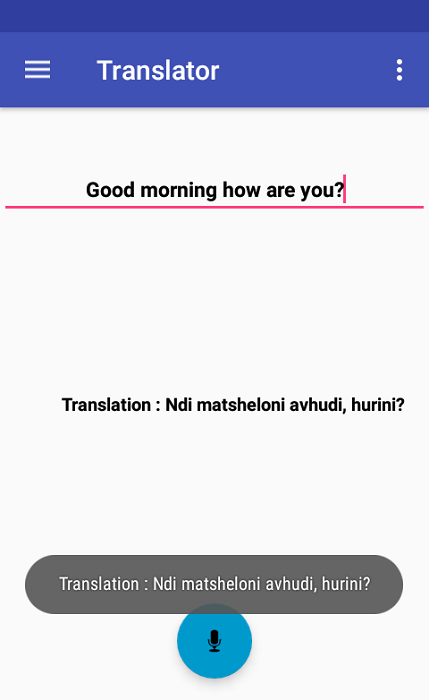
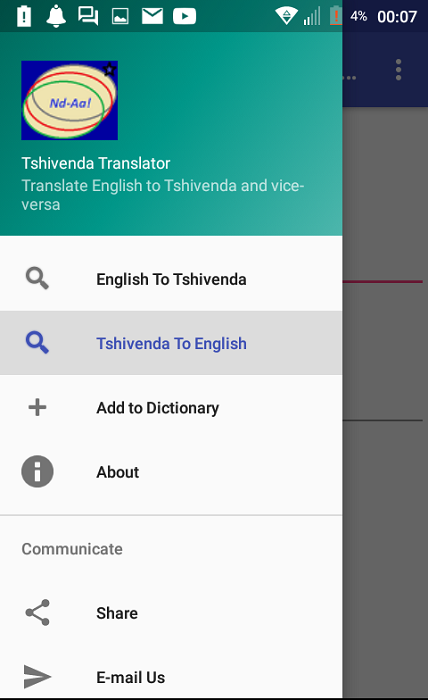
Tshivenda Translator

Helping languages connect.

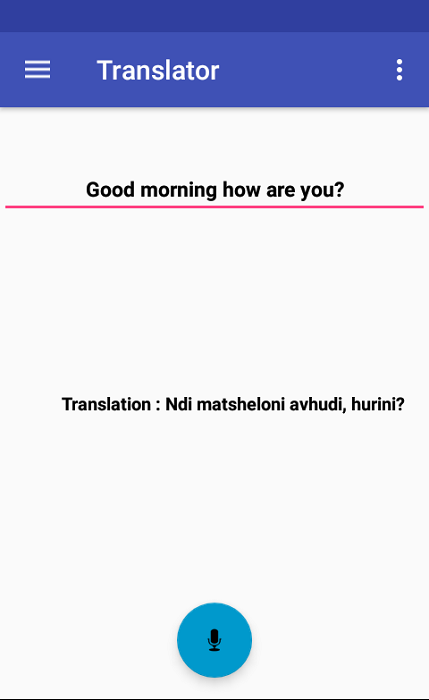
Translate between Tshivenda and English with a straightforward mobile experience. The app also reads English translations aloud, making it useful for everyday communication and learning.

Two-way translation Spoken English output Language learning
View download Opens a Google Drive file.
APP PREVIEW 01 / 03
Tshivenda Translator feature preview
Tshivenda Translator app screenshot
Tshivenda Translator translation features
INSIDE NIT CHAT

One app. More possibilities.

Go beyond messaging. Discover how NIT Chat supports journeys, buying and selling, and collaboration—all within the same mobile experience.

01 / RIDES

Move with NIT Chat Rides.

Request a journey as a rider, offer rides as a driver, or use both roles.

RIDER EXPERIENCE

From pickup to drop-off

Need to get somewhere? Follow the trip from the initial request to its completion.

  1. Open Rides and choose Rider.Start a new ride request from the Rides experience.
  2. Set your pickup and destination.Confirm where the driver should collect you and where you want to go.
  3. Review and request your ride.Check the available trip information before submitting the request.
  4. Wait for a driver.Follow the request status while a driver responds.
  5. Meet your driver.Use the trip details and location information to coordinate your pickup.
  6. Follow the journey.Track the ride as you travel towards your destination, where supported.
  7. Complete the trip.Finish at your destination and review the completed journey details available in your version.
DRIVER EXPERIENCE

From request to completed trip

Use the driver side of Rides to respond to requests and manage your journeys.

  1. Open Rides and choose Driver.Access the driver experience using your driver profile.
  2. Prepare to receive requests.Make yourself available to receive ride opportunities, where supported.
  3. Review an incoming trip.Check the pickup and destination information before responding.
  4. Accept a request.Confirm the journey you intend to fulfil.
  5. Navigate to the pickup.Travel to the rider's location and coordinate collection.
  6. Start and manage the ride.Follow the trip workflow after collecting the rider.
  7. Finish at the destination.Mark the ride complete and review the available trip record.
Driver eligibility, fare calculation, payments, cancellations and ratings depend on the app's supported release and local service arrangements. This guide describes the rider and driver journeys without promising features that have not been verified.
02 / SHOPS

Discover it. Share it. Sell it.

Shops connects product discovery with the conversations and Status updates you already use.

CUSTOMER EXPERIENCE

Find products that interest you

  1. Open Shops.Enter the marketplace from within NIT Chat.
  2. Browse product listings.Explore products shared by sellers.
  3. Open a product.View its listing and the information supplied by the seller.
  4. Share what you discover.Send a product to another NIT Chat user or share it through Status.
  5. Follow product links.Tap a product link in a conversation or Status to open that specific product in Shops.
  6. Continue with the seller.Use the available listing and contact options to enquire about the product.
SELLER EXPERIENCE

Turn your products into conversations

  1. Use Shops as a seller.Access the selling experience in the app.
  2. Prepare a product listing.Add the product information and images supported by the listing form.
  3. Publish your product.Make the listing available for customers to discover.
  4. Share directly.Send the product link to NIT Chat contacts and conversations.
  5. Promote through Status.Post the product to your Status to reach viewers.
  6. Bring viewers back to Shops.When someone taps the product link, the app opens the linked product listing.
  7. Manage interest.Respond to enquiries using the communication options available in your release.
Purchase checkout, payment processing, delivery and order fulfilment are not described as built-in capabilities unless confirmed in the deployed version.
03 / GROUPS

Groups built for more than chatting.

Bring friends, families, teams and communities together to communicate, make decisions and organise work.

Group conversations

Send messages, voice notes, images, videos and files to everyone in the group, with familiar conversation tools.

Members and management

Create groups, invite or add participants, view member information and manage available group settings and permissions.

Polls

Put a question to the group, provide answer choices and collect members' votes to support shared decisions.

Common Ground

Use the Common Ground feature to explore shared viewpoints and help group members find areas of agreement.

Scrum Board

Organise group tasks visually, coordinate responsibilities and follow progress through a collaborative board.

Group voice calls

Bring multiple members into a voice conversation without relying on text alone.

Group video calls

Connect face-to-face with members in a shared video call for discussions, catch-ups or coordination.

Group settings

Access group information and management options to keep the space relevant, organised and easy to navigate.

ONE GROUP. MANY WAYS TO WORK.

Start a conversation, run a poll to choose a direction, use Common Ground to identify agreement, add the next steps to a Scrum Board and discuss progress in a group voice or video call.

04 / THE EVERYDAY EXPERIENCE

The details that make NIT Chat yours.

Useful messaging, sharing, privacy and personalisation features across the app.

One-to-one messaging

Send direct messages, react, reply, forward, edit, delete, star and pin important messages and chats.

Voice notes and attachments

Share audio, photos, videos, documents and other supported files in your conversations.

Status and archive

Post disappearing updates, respond to friends' Status posts, control viewers and revisit your archived updates.

Personal calls

Connect through voice and video calling when the feature is available for your device and app version.

Conversation tools

Search chats and use read indicators, typing indicators, presence and unread counts to keep track of conversations.

Contact discovery

Find contacts who already use NIT Chat and connect with people from your address book.

Appearance and notifications

Choose light or dark mode and receive notifications for supported events and conversations.

Account and privacy controls

Manage available privacy settings, sign-in options and password recovery; biometric access depends on device support.

READY TO EXPLORE?

Discover NIT Chat for yourself.

Explore the current testing release and see which features are available on your device.

Explore Android testing
ABOUT OUR MOBILE APPS

Apps designed around everyday needs.

What can you do with NIT Chat?

NIT Chat combines direct messaging, group collaboration, voice and video calls, Status updates, Rides and Shops. Riders can request transport, drivers can manage journeys, and customers can discover products that sellers share through chats and Status. Groups also support polls, Common Ground, Scrum Boards and group calls. Availability may vary by release.

What is Tshivenda Translator?

Tshivenda Translator is a language utility for translating text between Tshivenda and English. Its English audio playback can help users hear translated phrases, making it useful for everyday language learning and communication.

LET'S BUILD SOMETHING GREAT

Have an idea for your own app?

We design and develop digital products tailored to your goals.

Start a conversation